
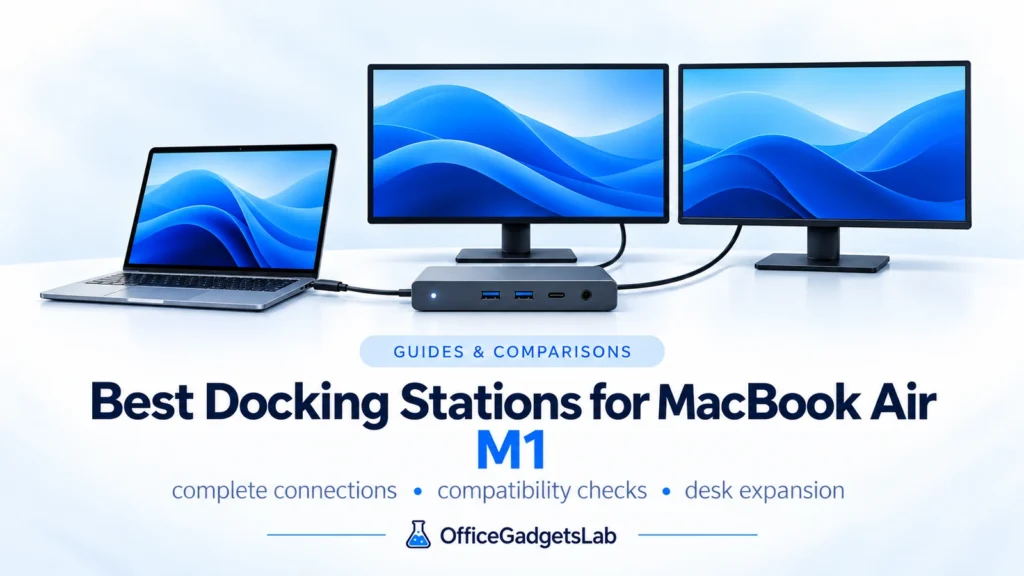
Best Docking Stations for MacBook Air M1 (Dual Monitors & USB-C Explained)
The MacBook Air M1 is one of the most popular laptops for home office and productivity, but choosing the right

The MacBook Air M1 is one of the most popular laptops for home office and productivity, but choosing the right
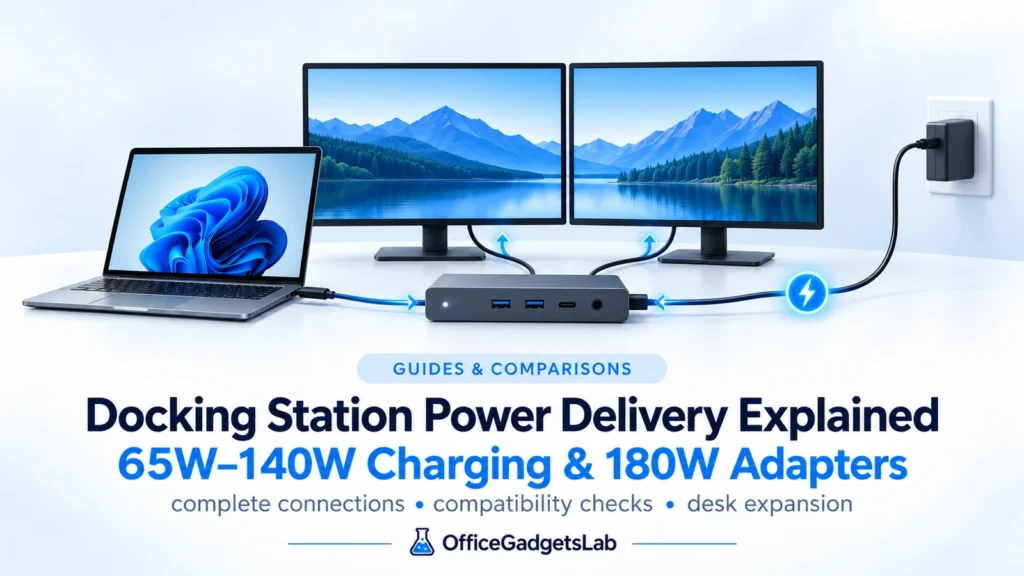
Power Delivery (PD) is one of the most misunderstood aspects of USB-C and Thunderbolt docking stations.Many users assume that if
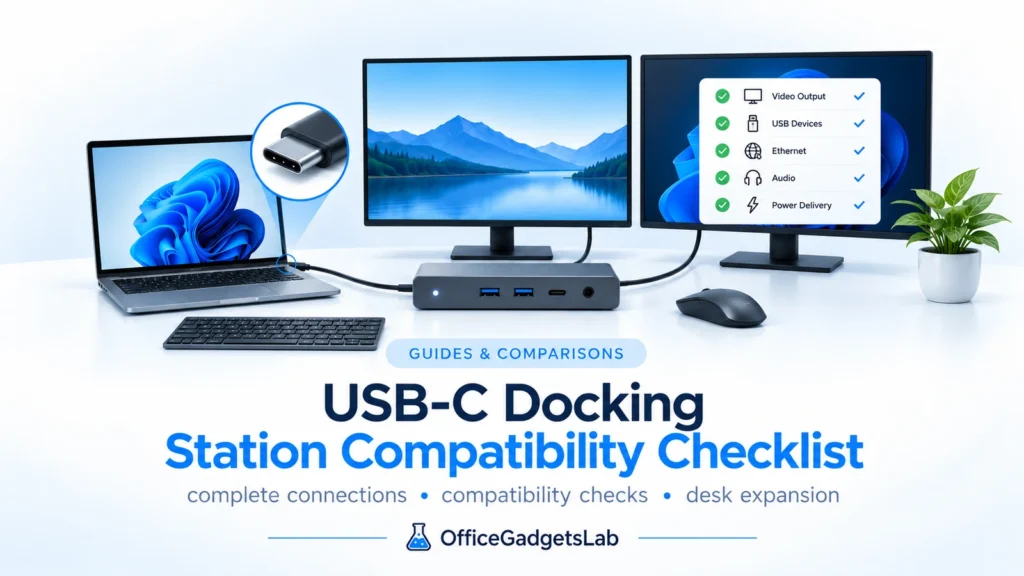
What to Check Before You Buy USB-C docking stations are not universally compatible with all laptops, despite using the same
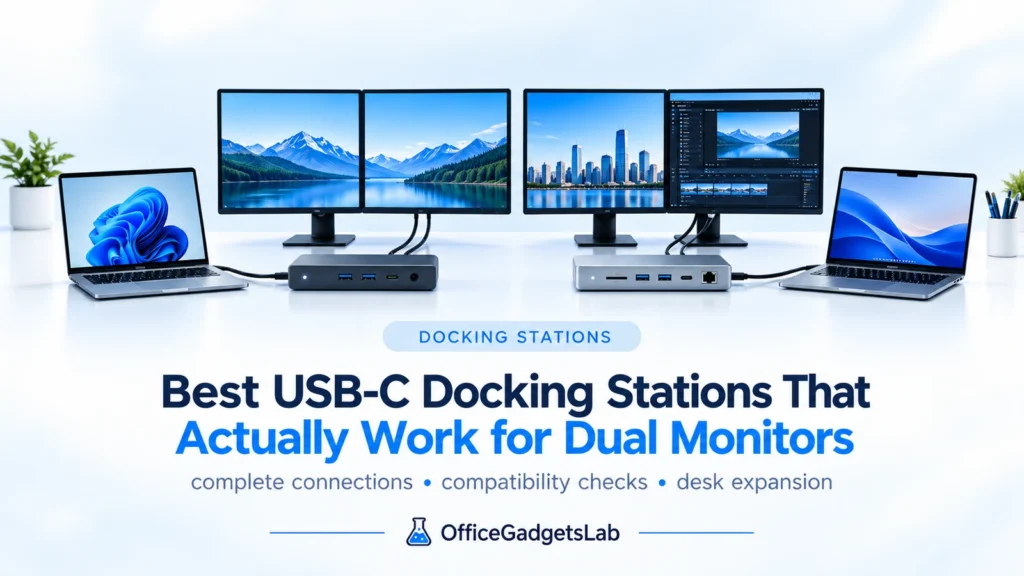
In this guide, we cover USB-C docks (including Thunderbolt models) selected for their documented dual-monitor capabilities, connection type, operating system
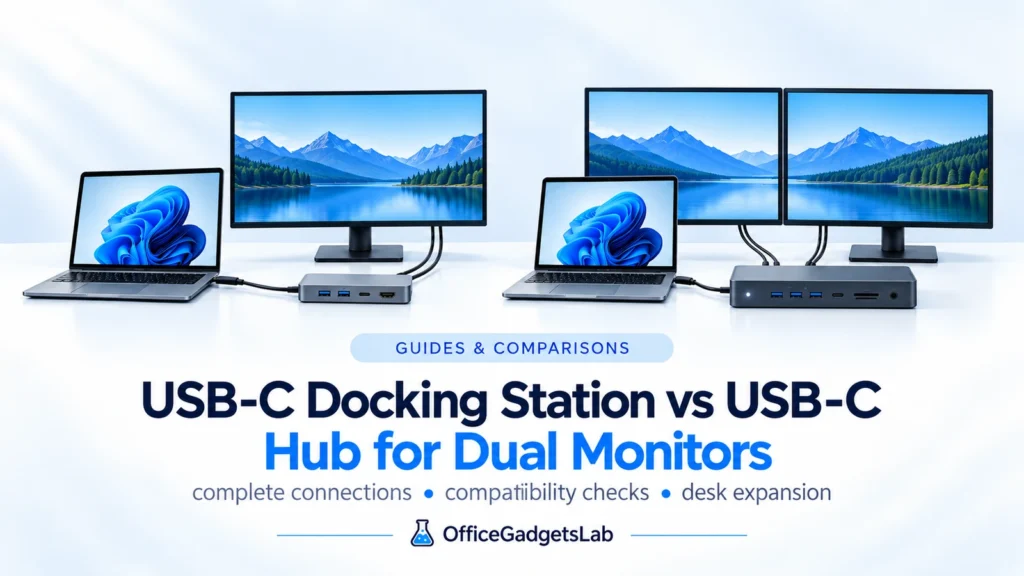
Intro Many people use the terms USB-C hub and USB-C docking station interchangeably. When it comes to dual-monitor setups, however,
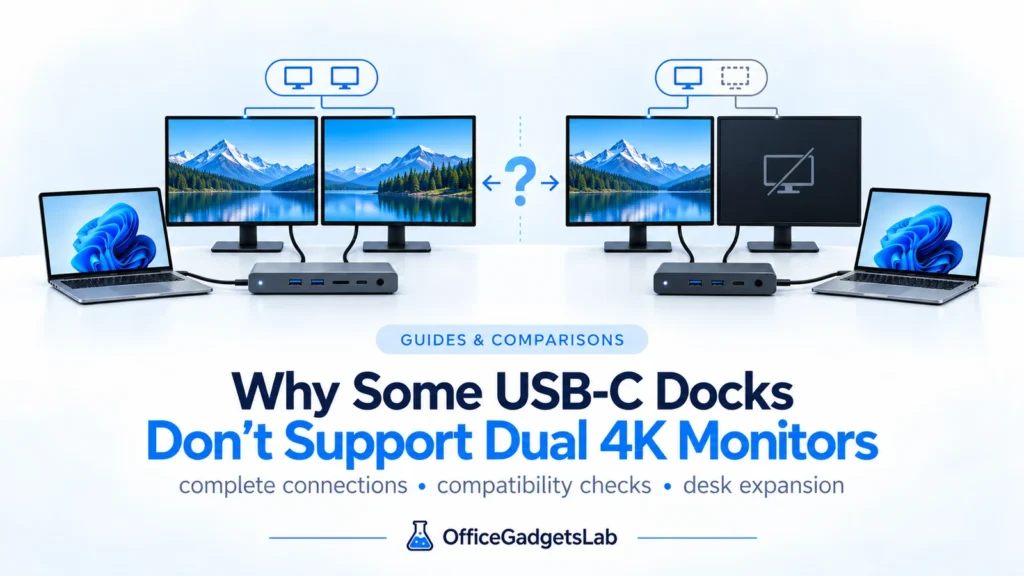
Many users assume that if a USB-C docking station has two video ports, it should automatically support two 4K monitors.
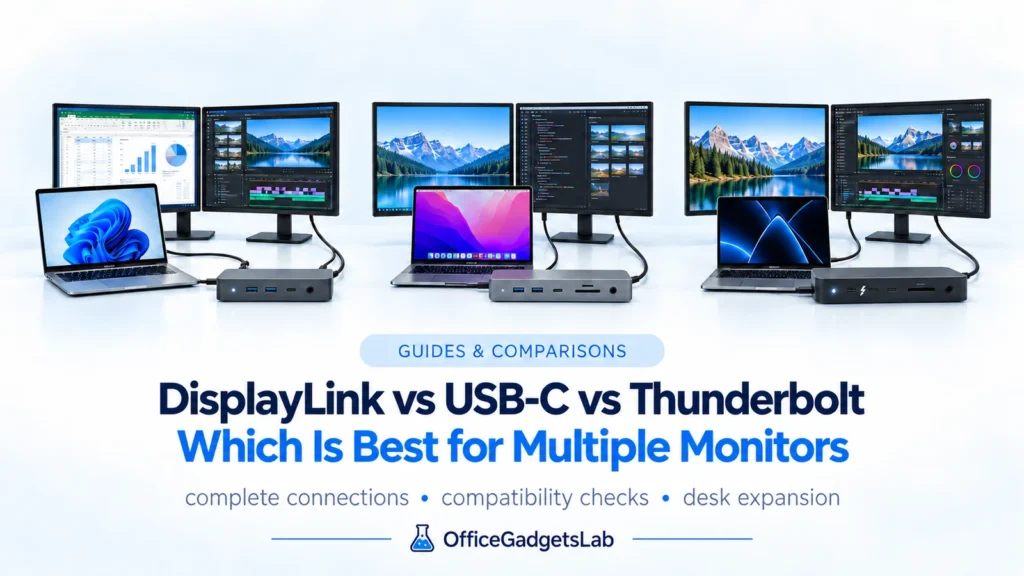
DisplayLink vs USB-C vs Thunderbolt explained for multi-monitor setups, including native video, MST, macOS, gaming and 2–4 display use.
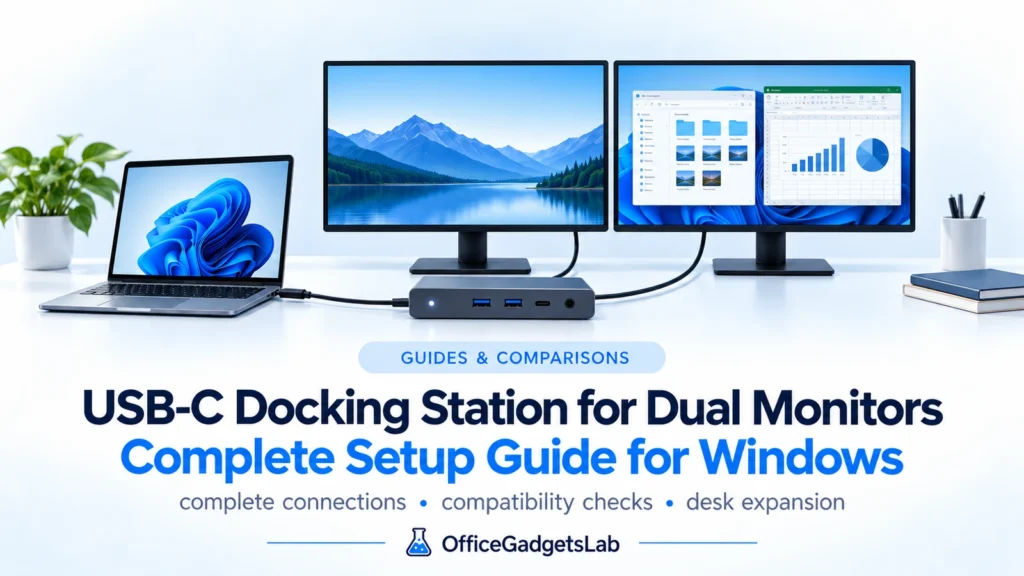
Setting up a dual-monitor workspace using a USB-C docking station sounds simple—but in reality, many users run into unexpected limitations.
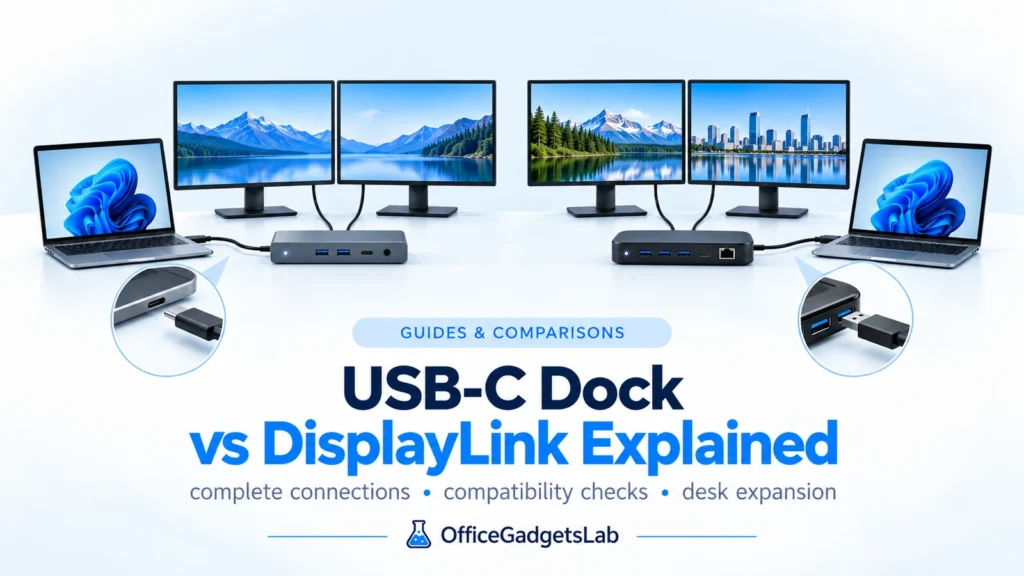
Choosing between a USB-C docking station and a DisplayLink dock can be confusing, especially if you’re setting up a dual-monitor
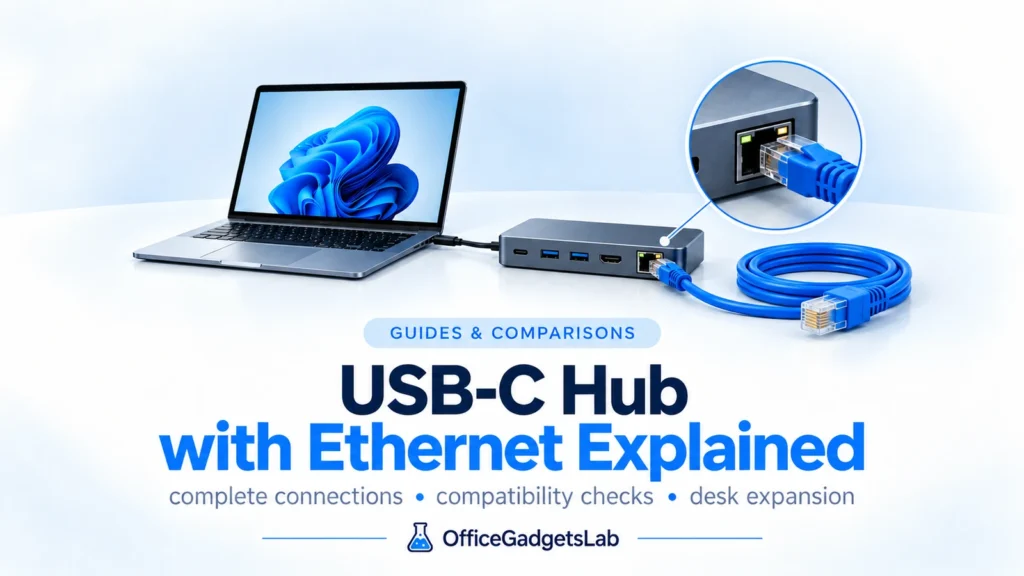
Many modern laptops no longer include an Ethernet port, which is why USB-C hubs with Ethernet have become increasingly popular.