
Docking Station Price Guide: How Much Should You Spend? (2026)
A sensible docking station price starts with your laptop and monitors, not the most expensive product on the shelf. For […]
Read guide →Educational guides and comparisons explaining USB-C hubs, docking stations, and how to choose the right setup.
A sensible docking station price starts with your laptop and monitors, not the most expensive product on the shelf. For […]
Read guide →
A docking station procurement checklist should prevent support problems before an IT team buys 20, 200 or 2,000 units. The […]
Read guide →
Dock Ethernet performance is one of the easiest specifications to overspend on because the number printed beside the RJ45 port […]
Read guide →
If your USB-C dock stops charging after sleep, the problem is usually not that the dock suddenly “forgot” how to […]
Read guide →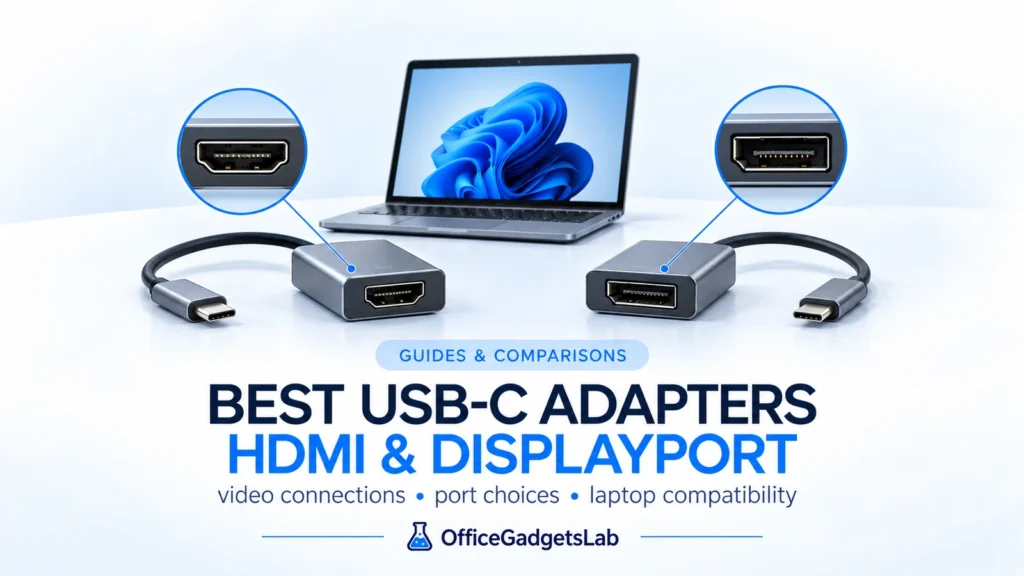
The best USB-C display adapters for HDMI, DisplayPort, high-refresh and dual-monitor laptop setups.
Read guide →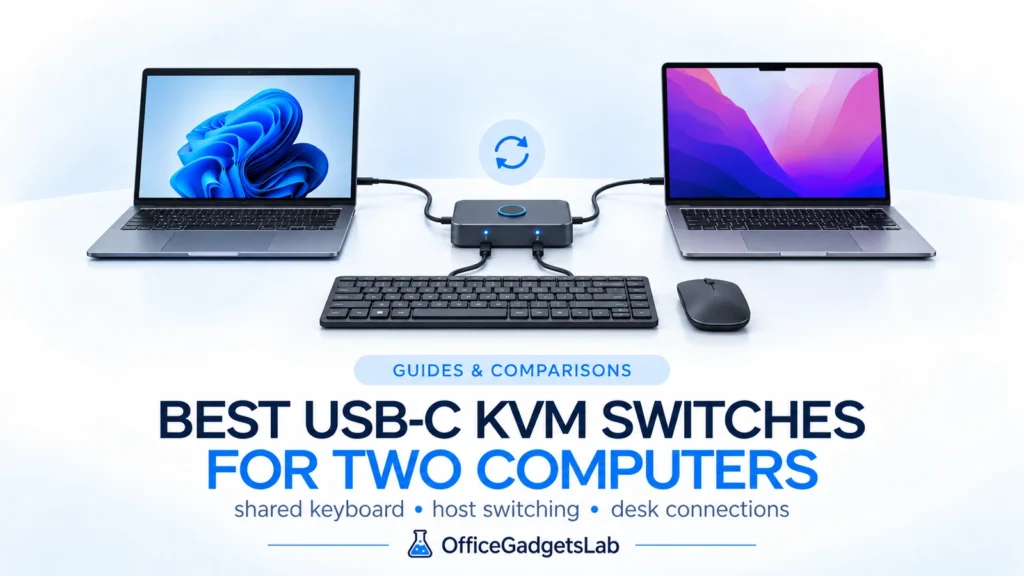
The best USB-C KVM switches for sharing monitors, keyboard, mouse and peripherals between two computers.
Read guide →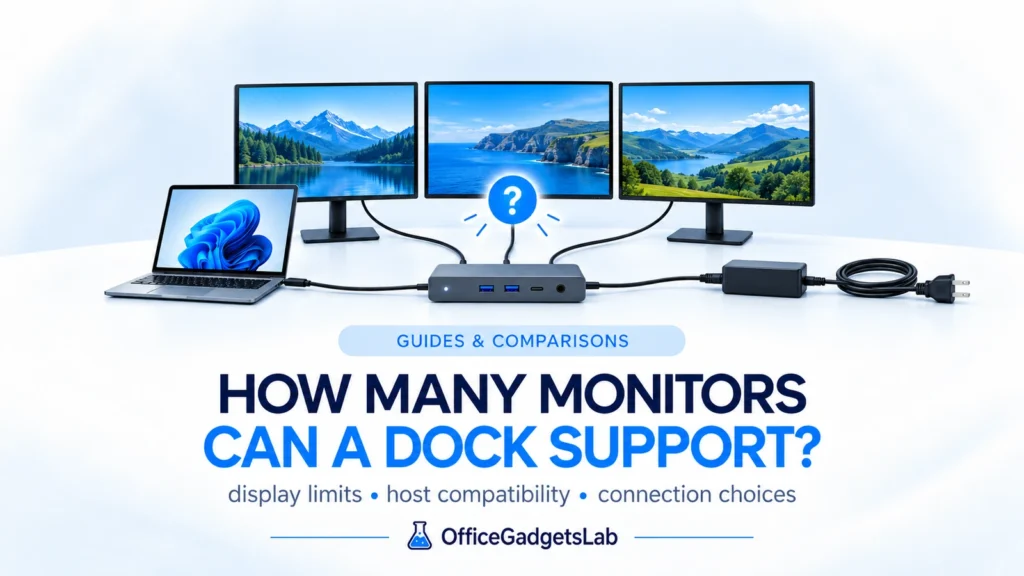
Learn what really determines whether a docking station can run one, two, three or four monitors across USB-C, USB4, Thunderbolt and DisplayLink.
Read guide →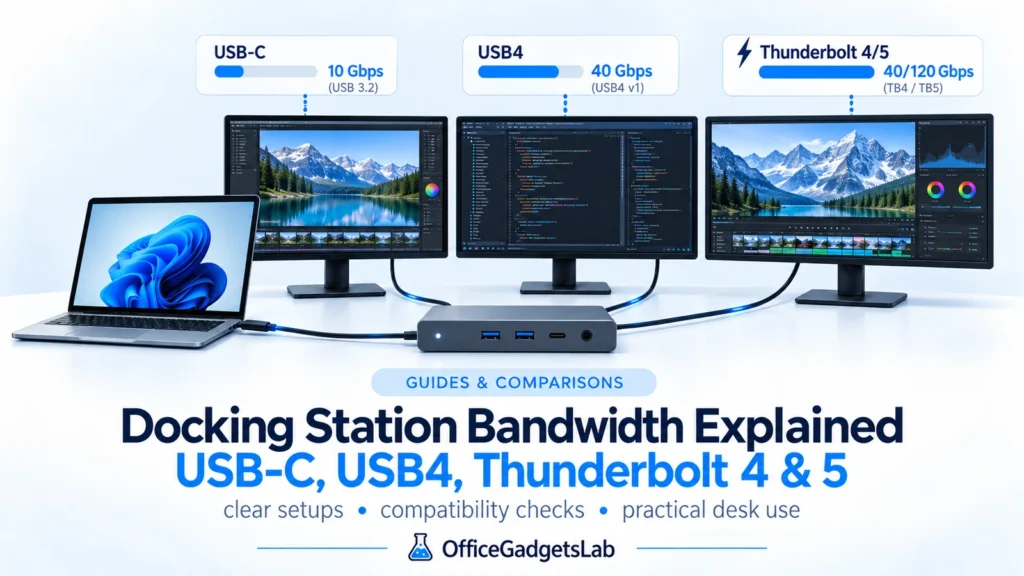
A docking station can advertise 40Gbps, 80Gbps, or even 120Gbps and still behave very differently once you connect two monitors, […]
Read guide →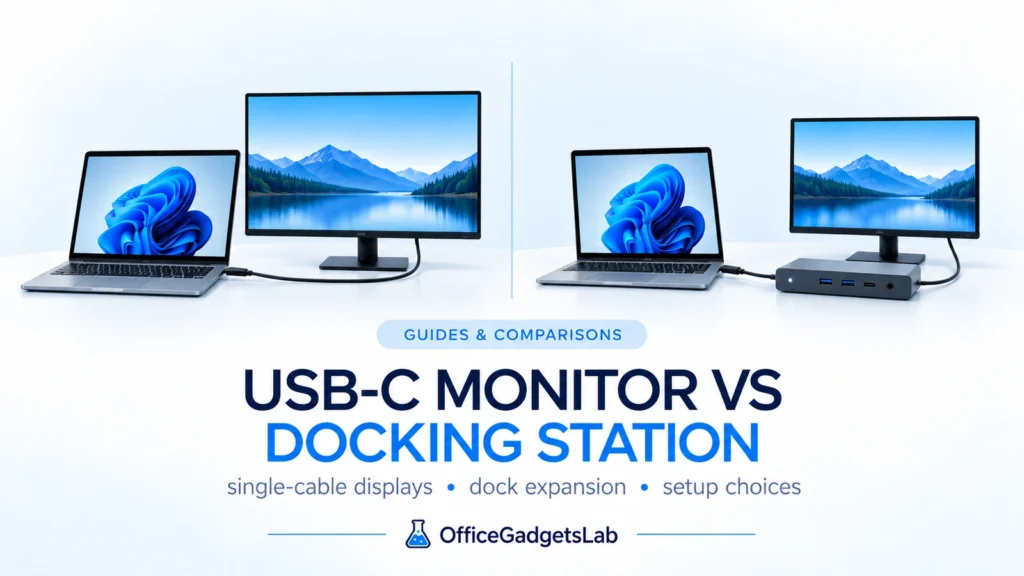
The answer depends on how complex your desk is. For a simple one-monitor setup, a good USB-C monitor can replace […]
Read guide →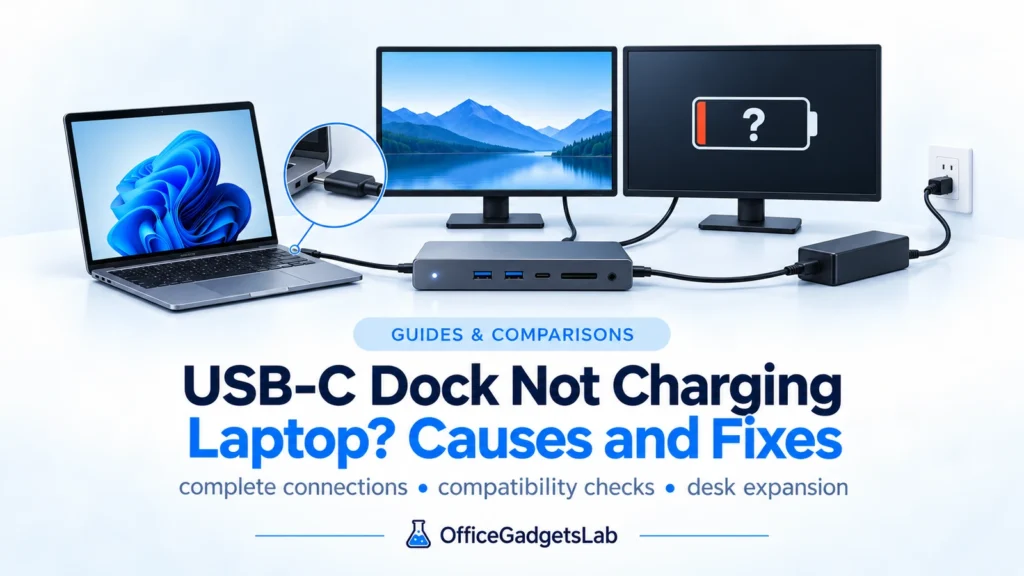
USB-C docking stations make laptop setups much simpler by combining charging, displays, and connectivity through a single cable. However, many […]
Read guide →We use manufacturer documentation, technical standards, platform behavior and recurring real-world issues to evaluate whether a product actually fits the setup discussed in the guide.