
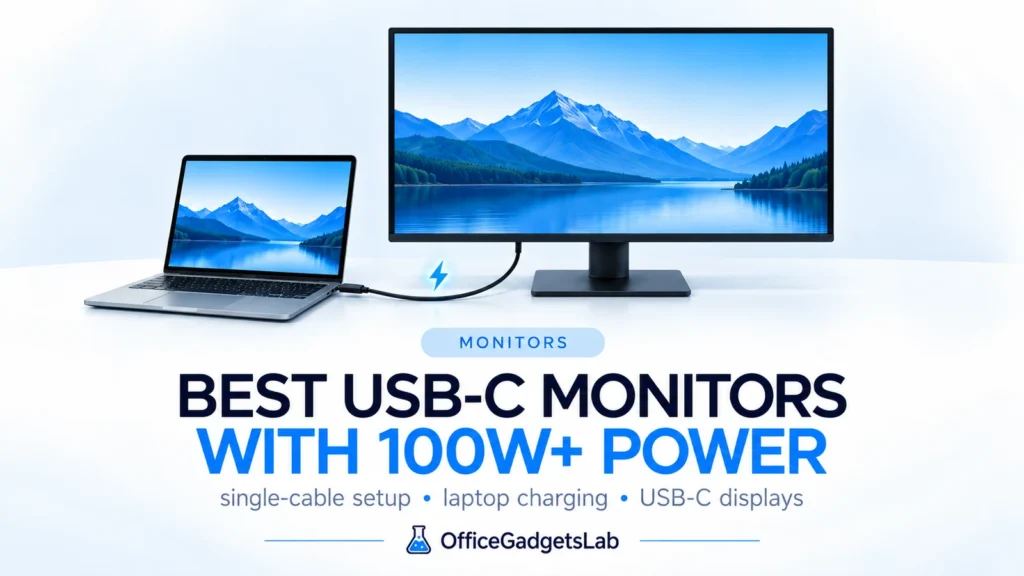
Best USB-C Monitors with 100W+ Power Delivery (2026 Guide)
A USB-C monitor with 100W+ Power Delivery is one of the cleanest ways to build a serious laptop desk. Instead […]
Read guide →Research-first buying guides, compatibility explainers and troubleshooting articles for docking stations, USB-C, Thunderbolt, monitors and modern laptop setups.
A USB-C monitor with 100W+ Power Delivery is one of the cleanest ways to build a serious laptop desk. Instead […]
Read guide →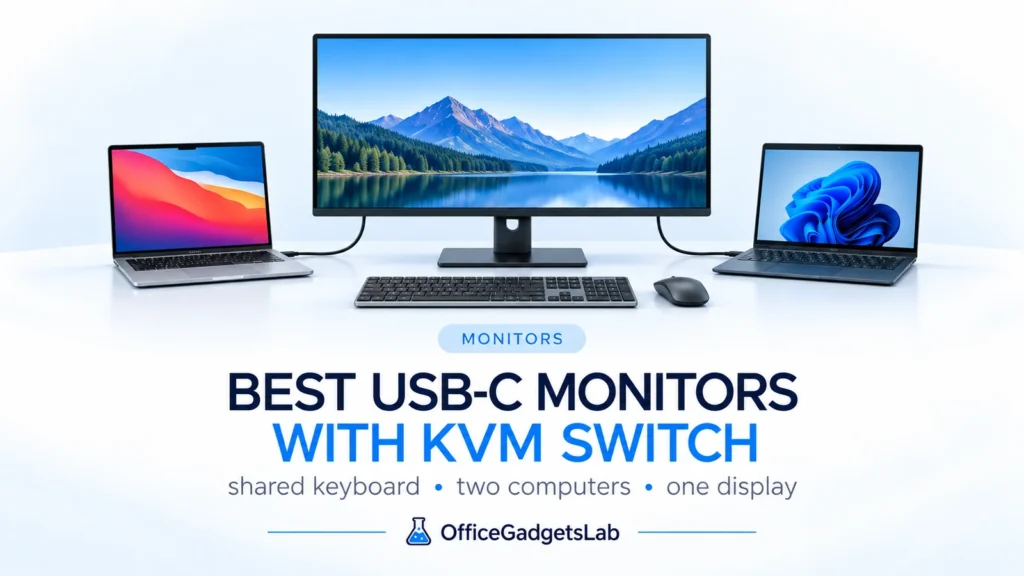
The best USB-C monitors with KVM switch can replace several pieces of desk hardware at once. Connect a laptop through […]
Read guide →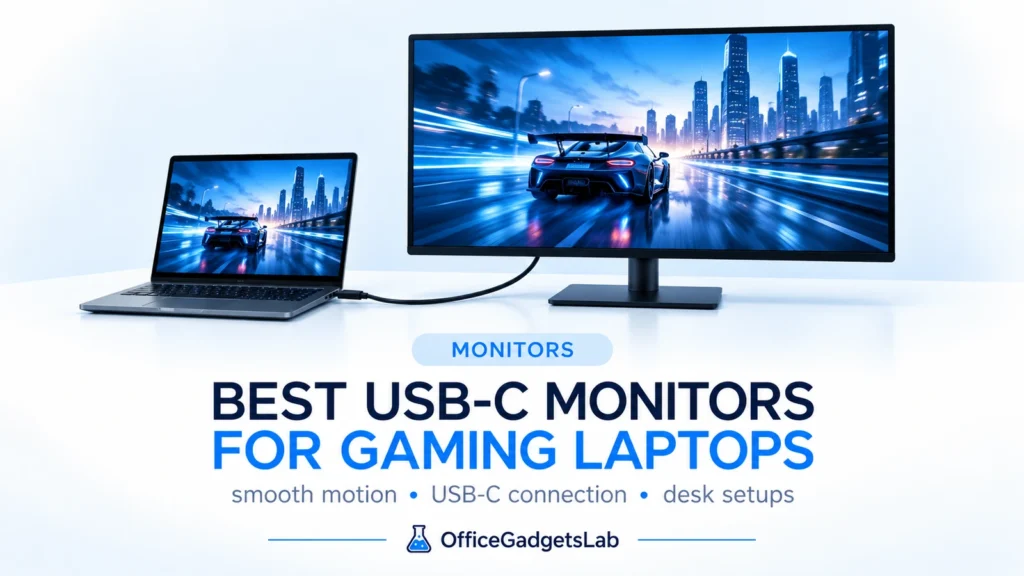
The best USB-C monitors for gaming laptops combine a fast gaming display with the desk-cleanup benefits of USB-C. One cable […]
Read guide →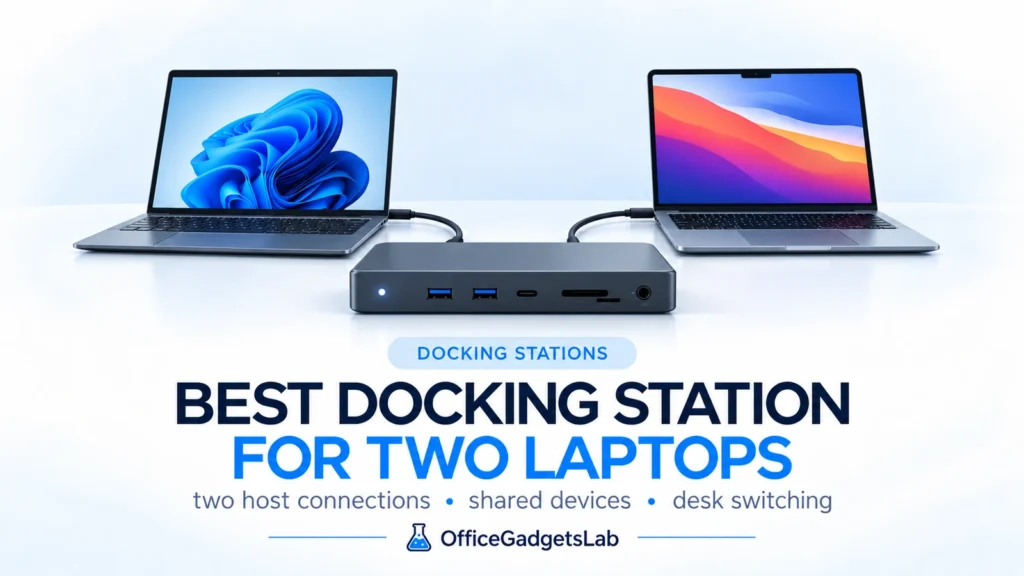
A best docking station for two laptops setup is different from an ordinary USB-C dock. If you use a work […]
Read guide →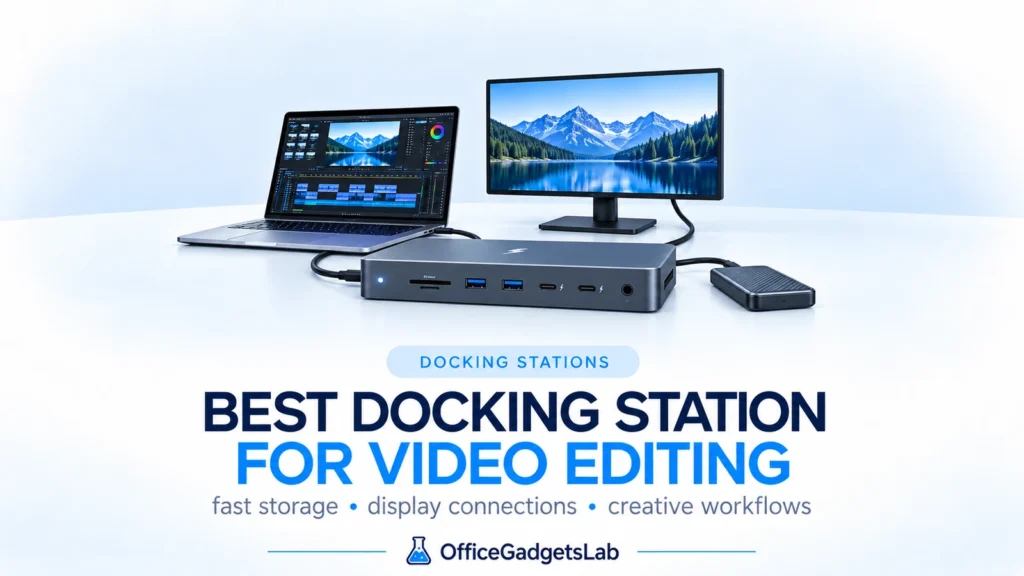
A best docking station for video editing setup should do more than add USB ports. Editors move large media files, […]
Read guide →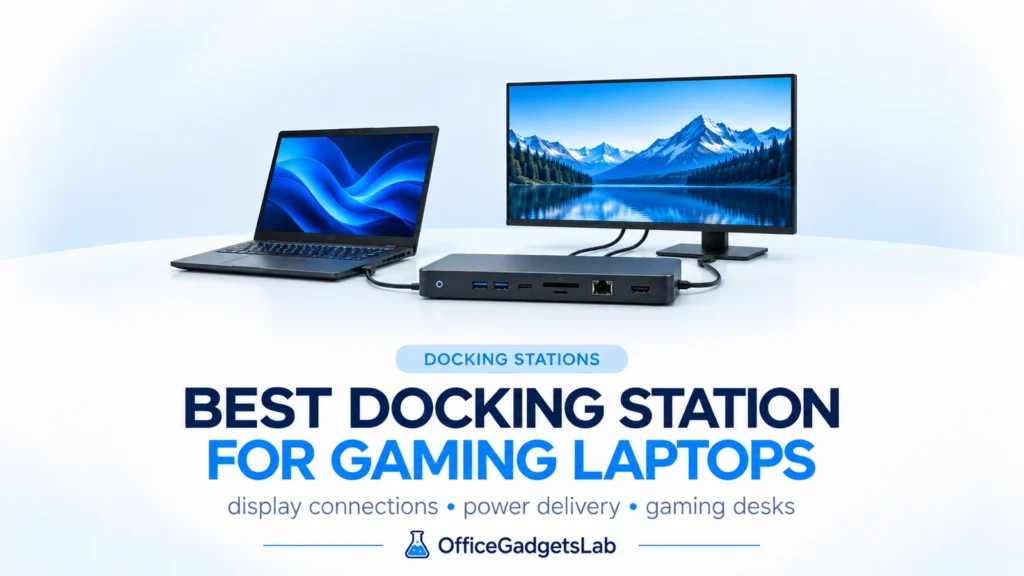
A docking station for a gaming laptop can turn a portable gaming machine into a much cleaner desktop setup. One […]
Read guide →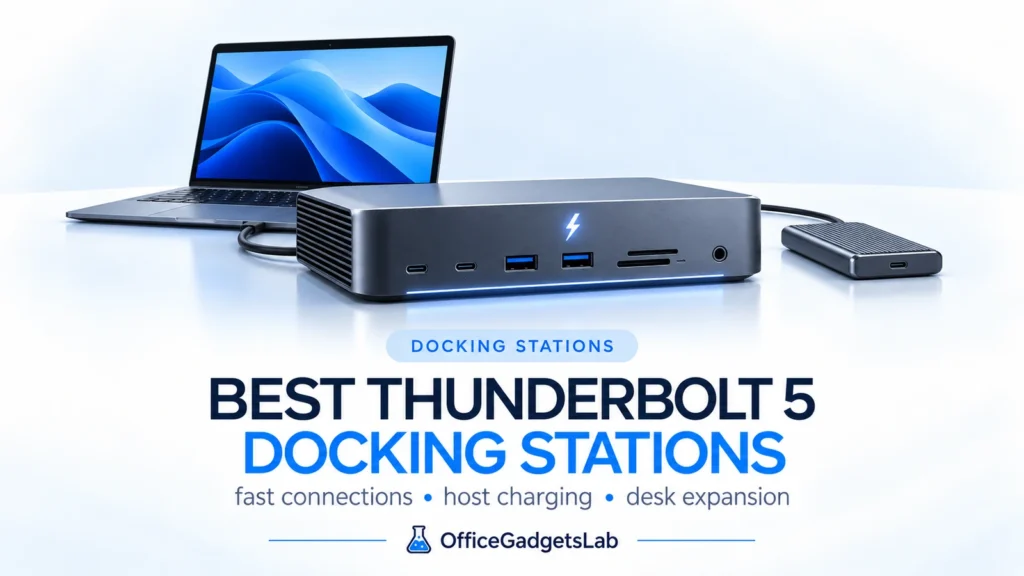
Thunderbolt 5 docking stations are finally mature enough in 2026 to be a serious upgrade rather than a future-looking luxury. […]
Read guide →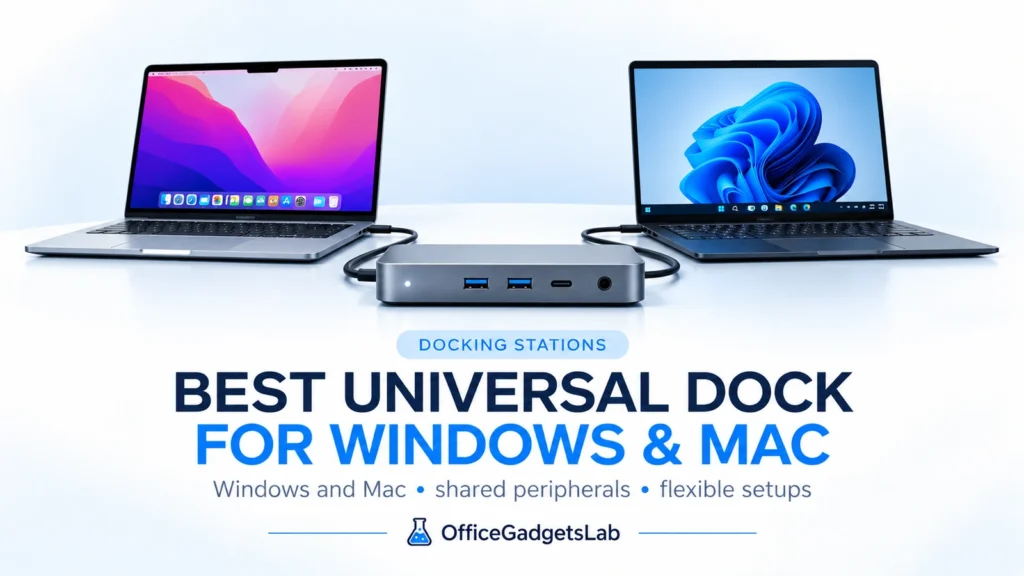
If you regularly switch between a Windows laptop and a MacBook, a universal docking station can keep the same monitors, […]
Read guide →
WAVLINK UMD01M Pro – Best Value Native Triple-Monitor Option for Windows WAVLINK UMD01M Pro is a value-focused option for Windows […]
Read guide →
A good USB-C monitor can simplify a home office more than almost any other desk upgrade. Instead of connecting a […]
Read guide →