
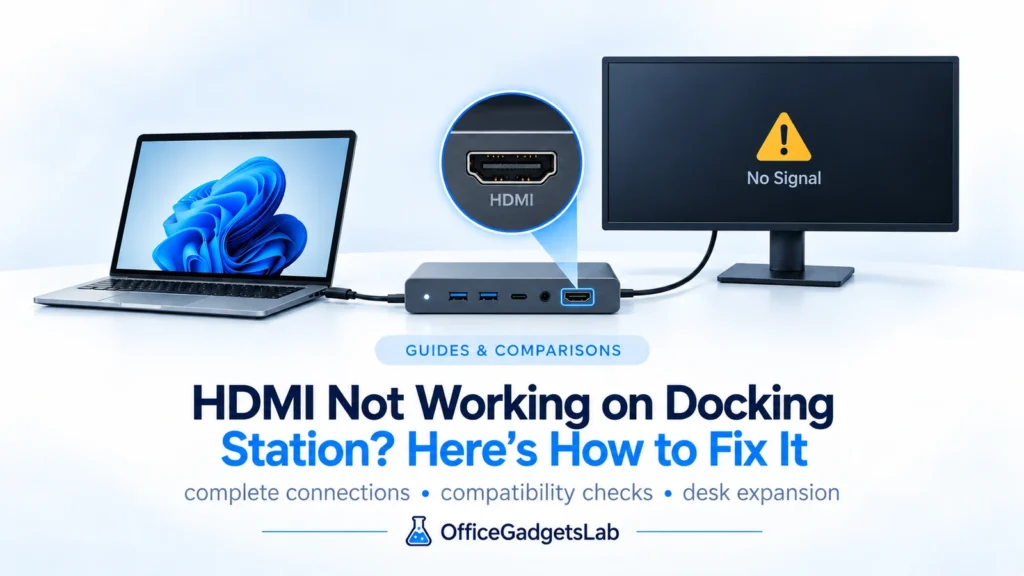
HDMI Not Working on Docking Station? Here’s How to Fix It
HDMI not working on docking station? You’re not alone. This is one of the most common issues with USB-C and […]
Read guide →Educational guides and comparisons explaining USB-C hubs, docking stations, and how to choose the right setup.
HDMI not working on docking station? You’re not alone. This is one of the most common issues with USB-C and […]
Read guide →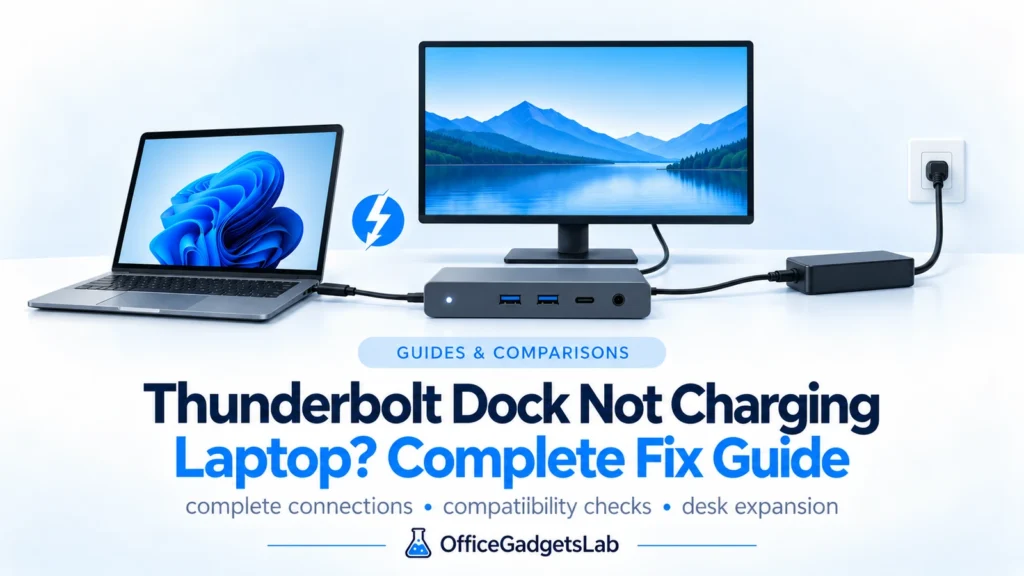
If your Thunderbolt dock is not charging your laptop, this guide explains why it happens and how to fix it. […]
Read guide →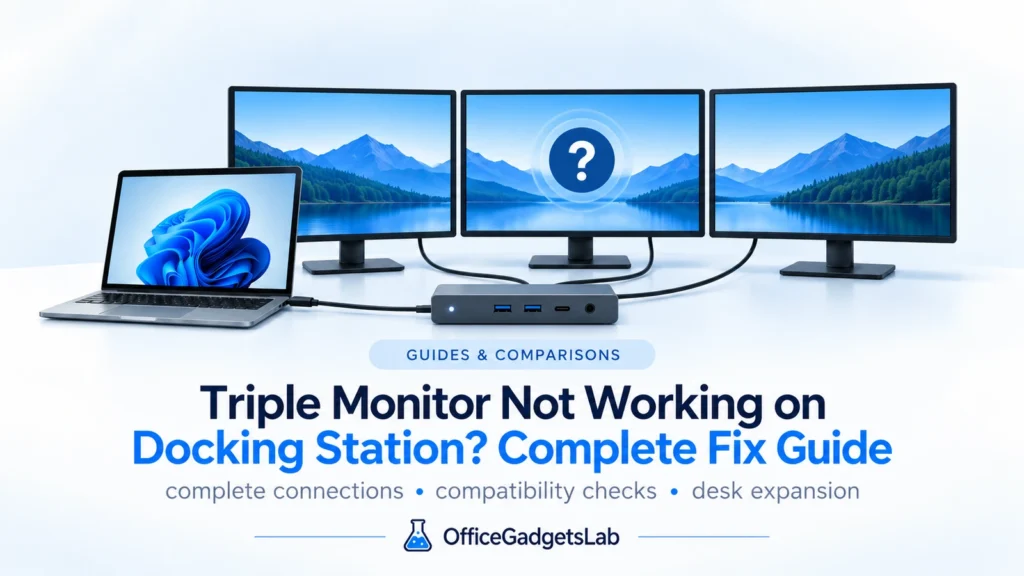
Triple monitor not working on docking station? If your dock supports three displays but only two are active — or […]
Read guide →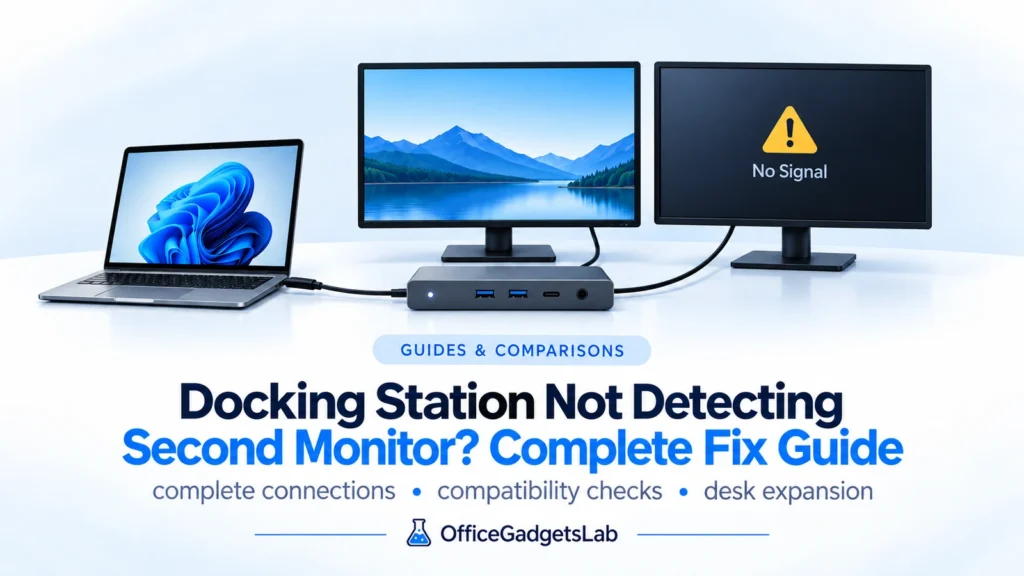
If your docking station is not detecting a second monitor, you’re not alone. This is one of the most common […]
Read guide →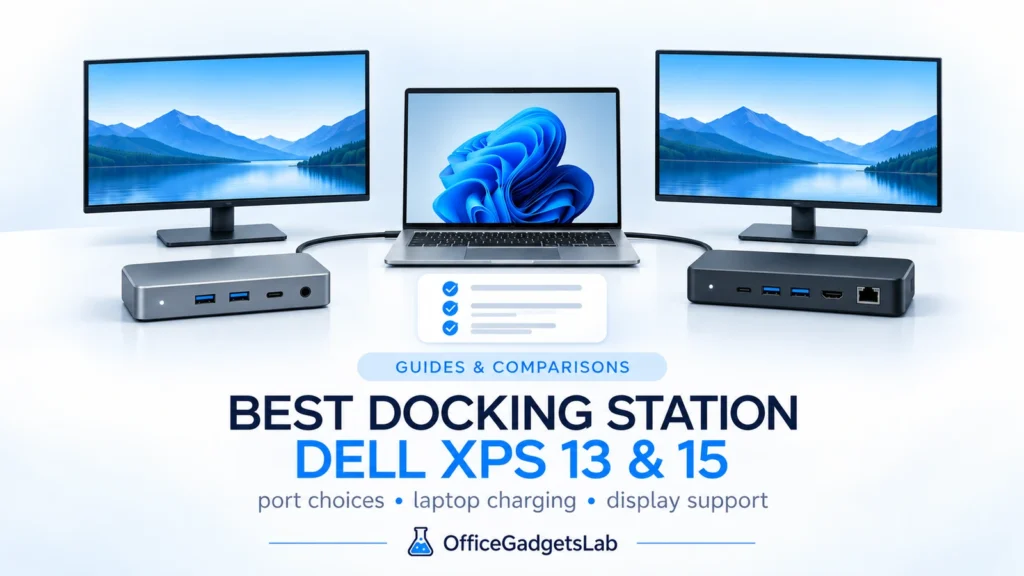
Dell XPS 13 and Dell XPS 15 are powerful ultrabooks, but choosing the best docking station for Dell XPS models […]
Read guide →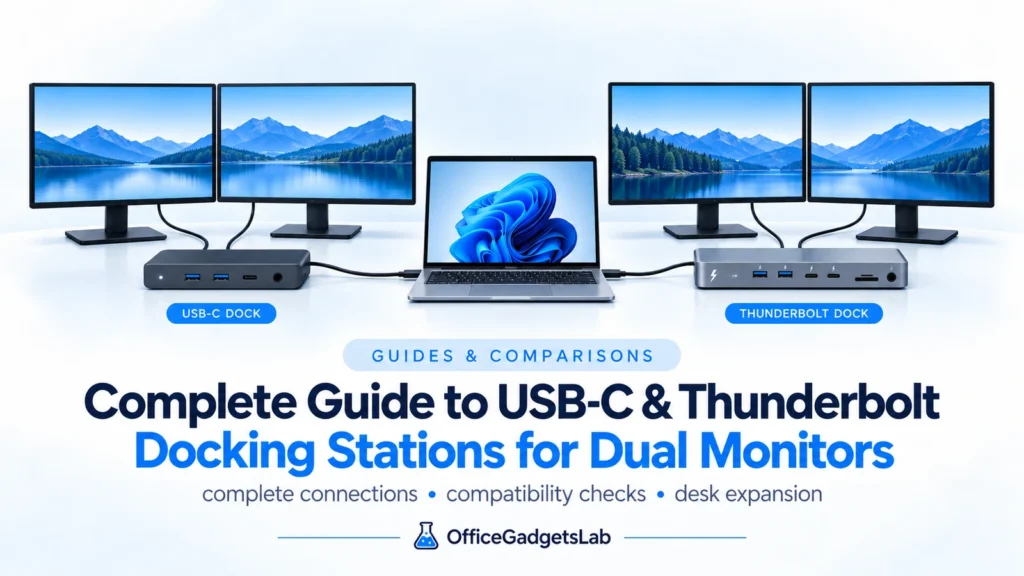
Dual monitor setups dramatically improve productivity — whether you work from home, manage spreadsheets, edit content, or simply want a […]
Read guide →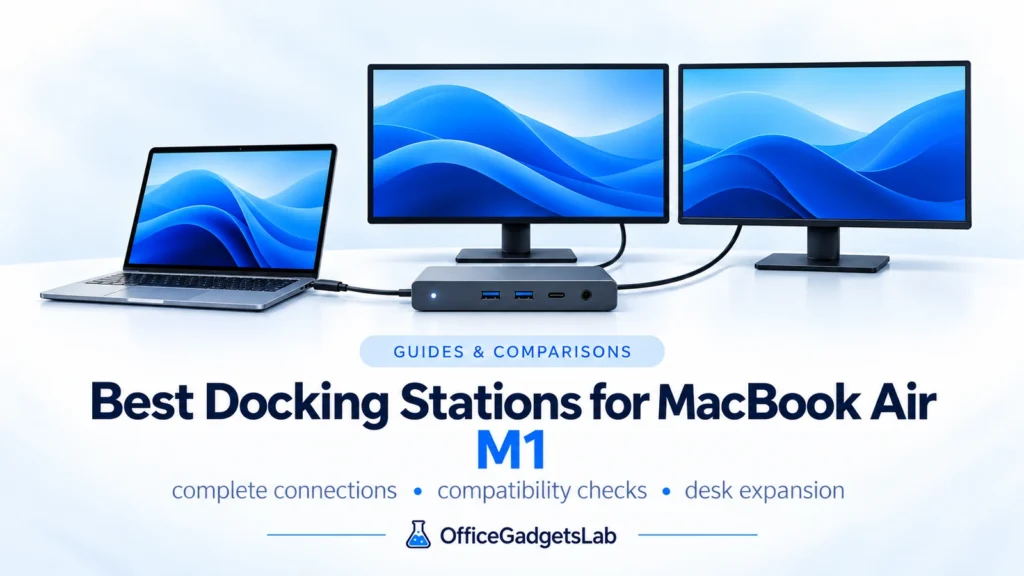
The MacBook Air M1 is one of the most popular laptops for home office and productivity, but choosing the right […]
Read guide →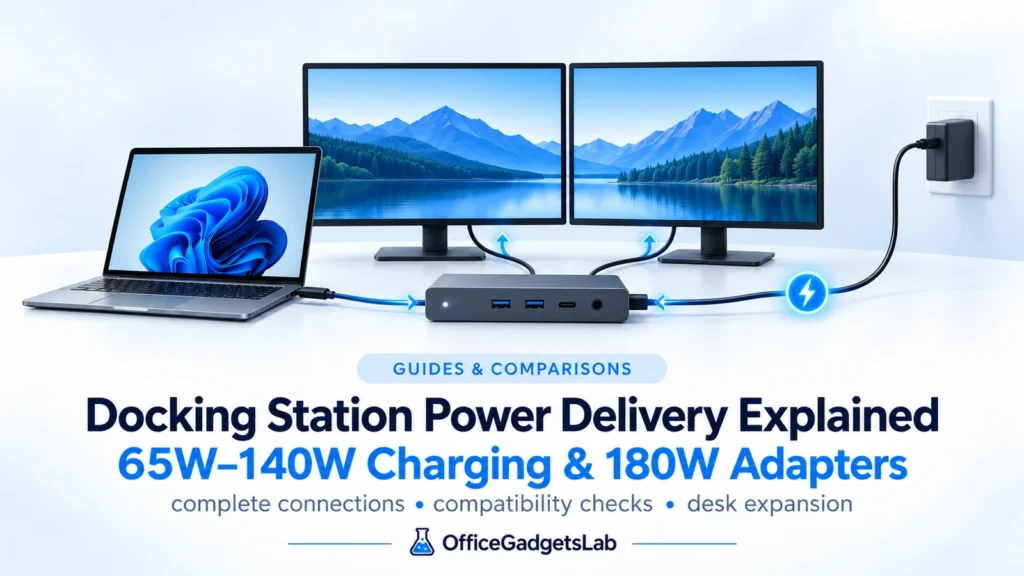
Power Delivery (PD) is one of the most misunderstood aspects of USB-C and Thunderbolt docking stations.Many users assume that if […]
Read guide →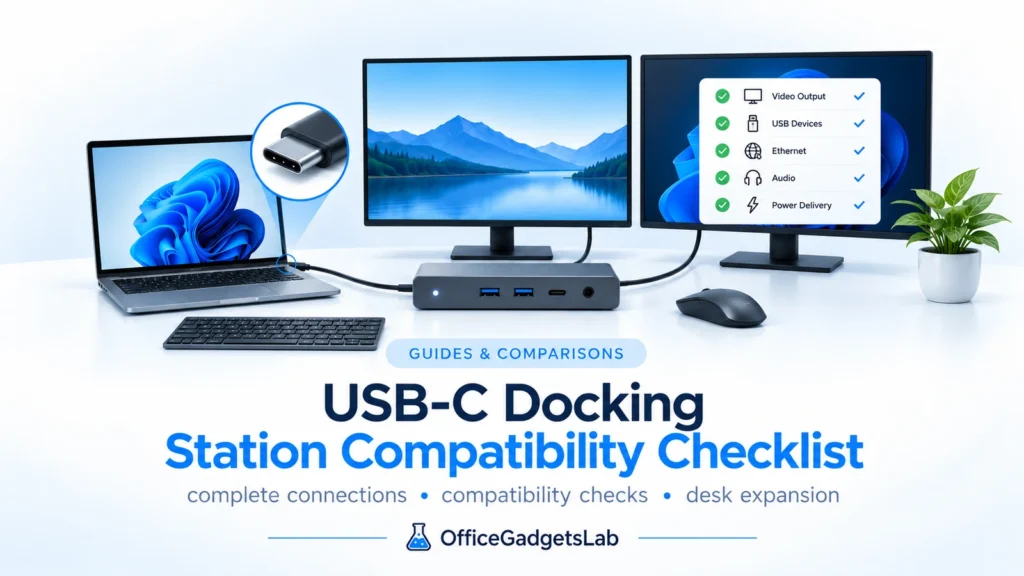
What to Check Before You Buy USB-C docking stations are not universally compatible with all laptops, despite using the same […]
Read guide →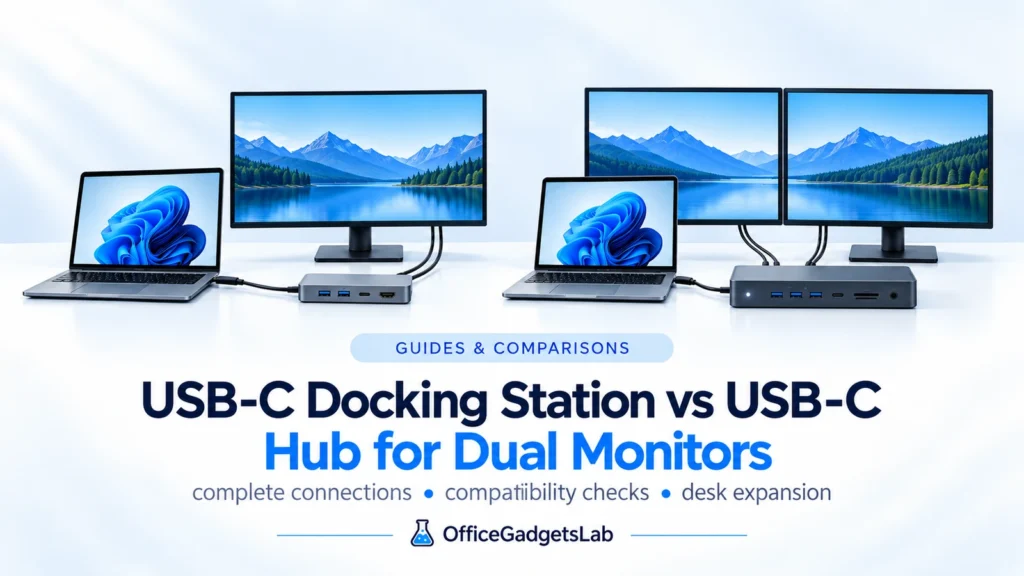
Intro Many people use the terms USB-C hub and USB-C docking station interchangeably. When it comes to dual-monitor setups, however, […]
Read guide →We use manufacturer documentation, technical standards, platform behavior and recurring real-world issues to evaluate whether a product actually fits the setup discussed in the guide.