
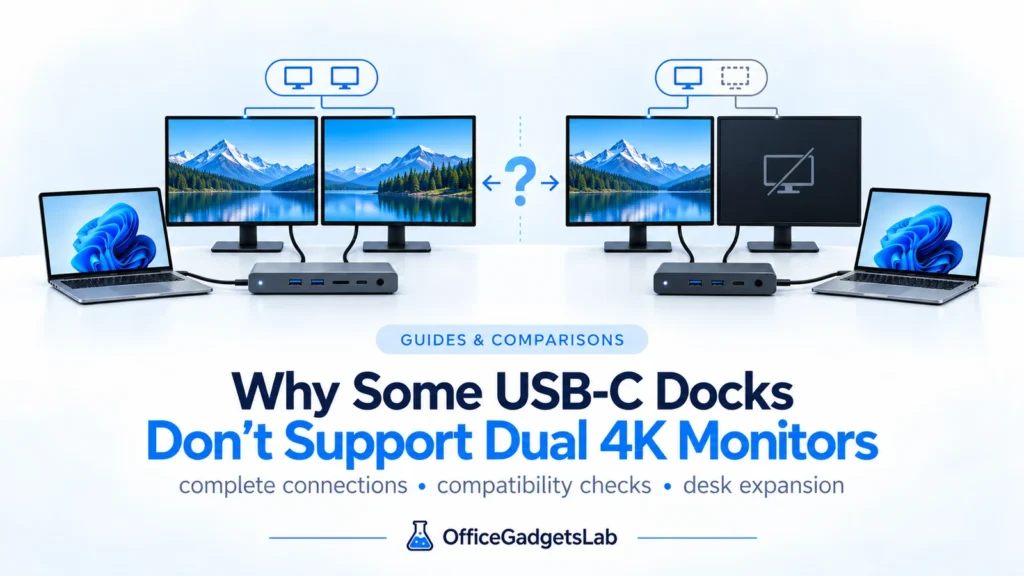
Why Some USB-C Docks Don’t Support Dual 4K Monitors
Many users assume that if a USB-C docking station has two video ports, it should automatically support two 4K monitors. […]
Read guide →Educational guides and comparisons explaining USB-C hubs, docking stations, and how to choose the right setup.
Many users assume that if a USB-C docking station has two video ports, it should automatically support two 4K monitors. […]
Read guide →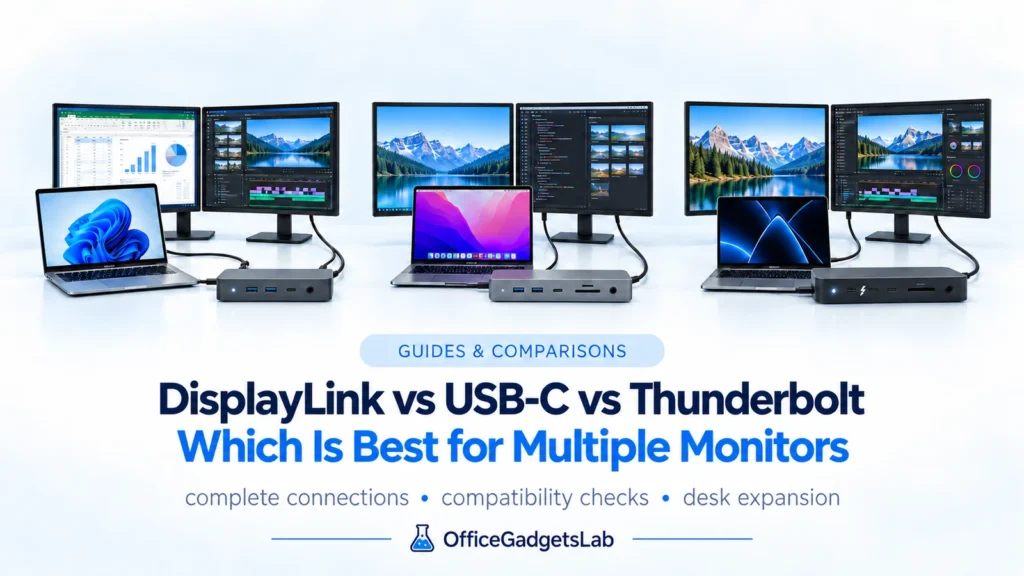
DisplayLink vs USB-C vs Thunderbolt explained for multi-monitor setups, including native video, MST, macOS, gaming and 2–4 display use.
Read guide →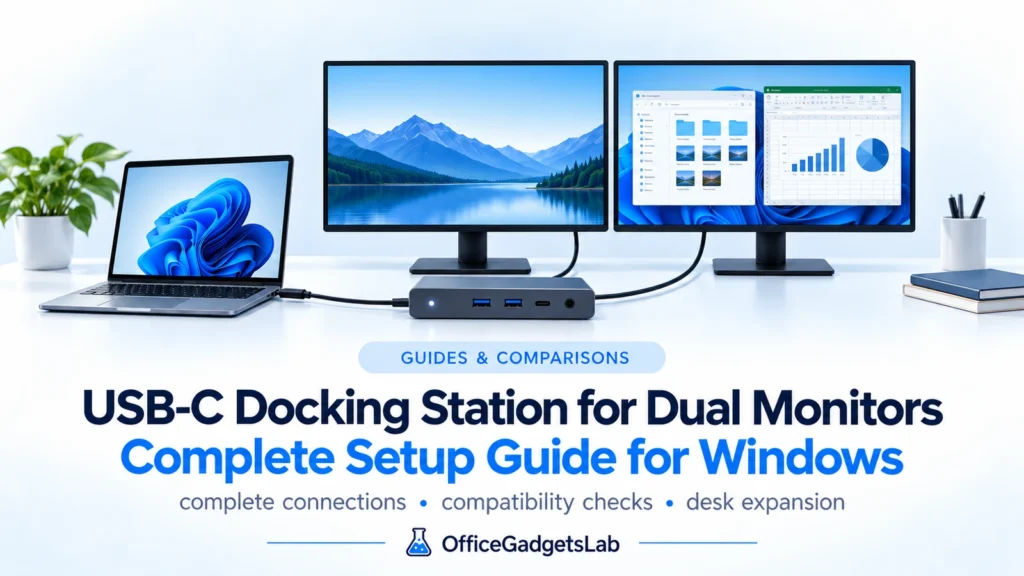
Setting up a dual-monitor workspace using a USB-C docking station sounds simple—but in reality, many users run into unexpected limitations. […]
Read guide →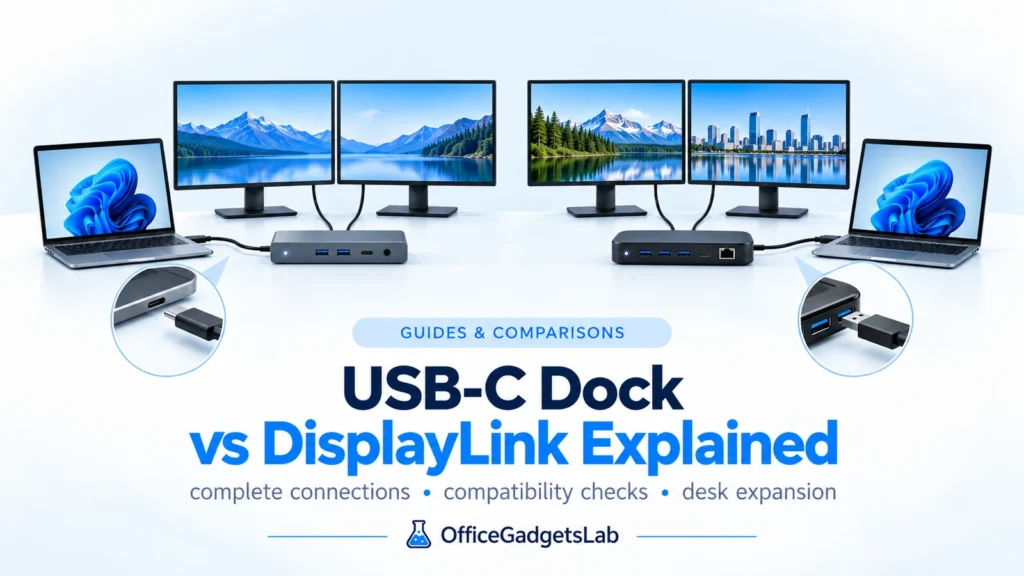
Choosing between a USB-C docking station and a DisplayLink dock can be confusing, especially if you’re setting up a dual-monitor […]
Read guide →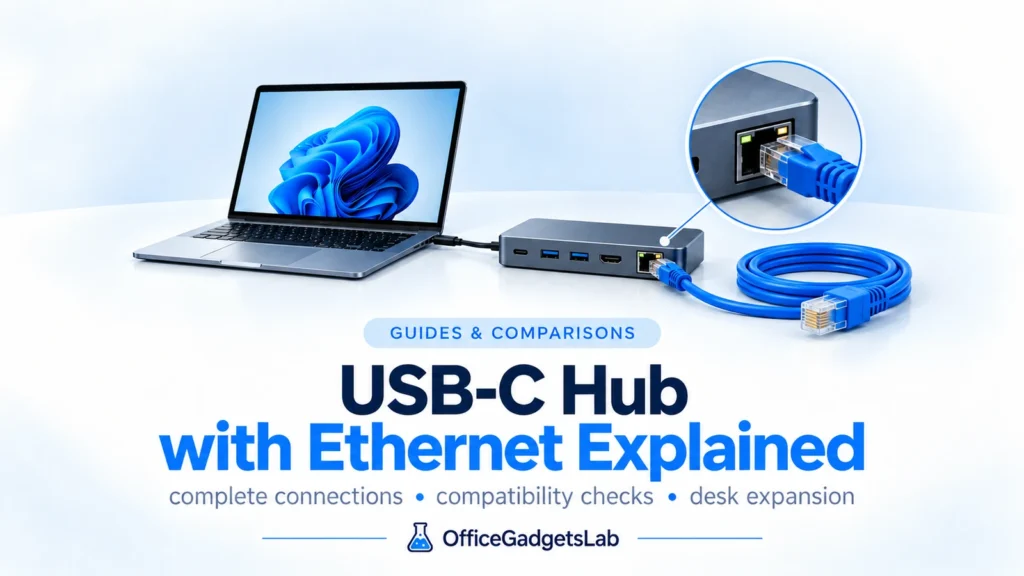
Many modern laptops no longer include an Ethernet port, which is why USB-C hubs with Ethernet have become increasingly popular. […]
Read guide →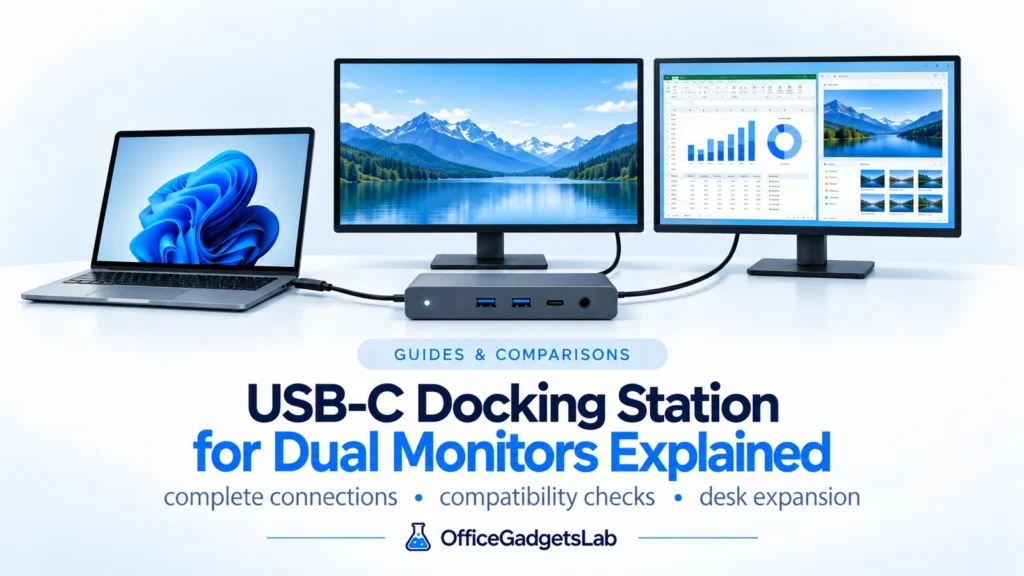
Using two external monitors can significantly improve productivity, but not every USB-C docking station can handle dual displays reliably. Many […]
Read guide →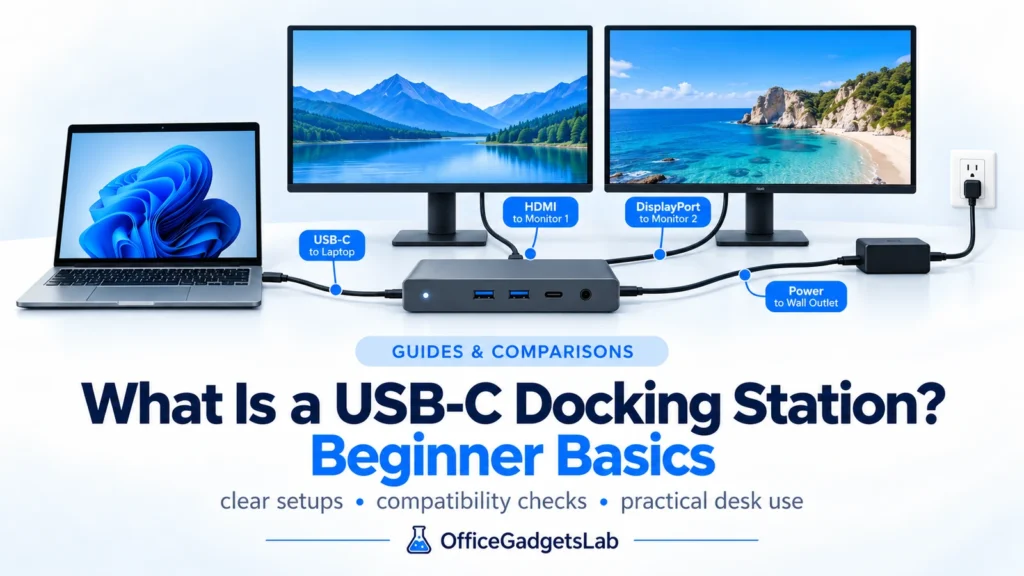
USB-C docking stations are designed to turn a laptop into a full desktop workstation using a single cable. They allow […]
Read guide →
A well-designed home office desk isn’t just about having a laptop and a chair. The right desk accessories can dramatically […]
Read guide →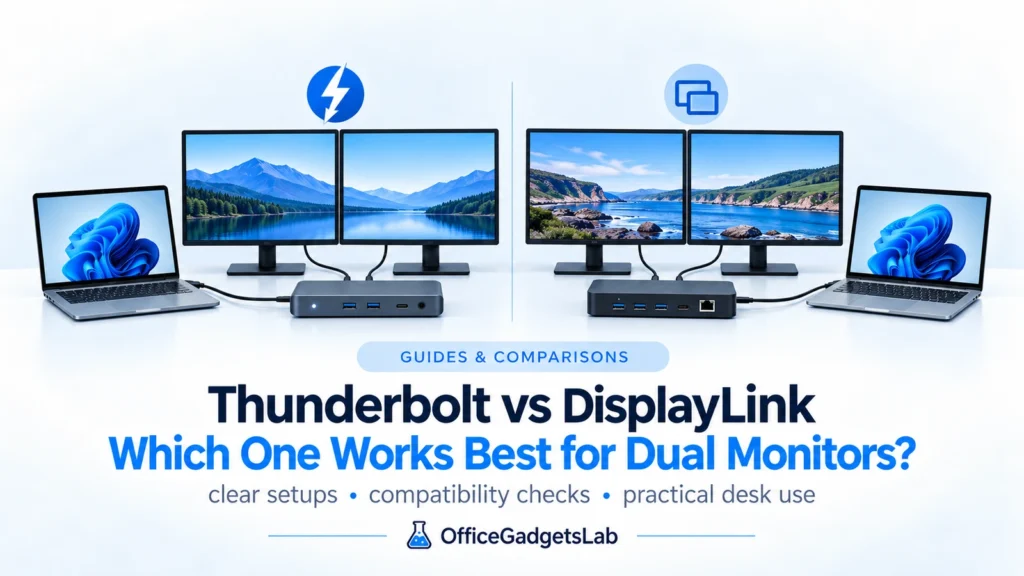
Trying to choose between Thunderbolt and DisplayLink — and not sure which one actually works for your setup? For users […]
Read guide →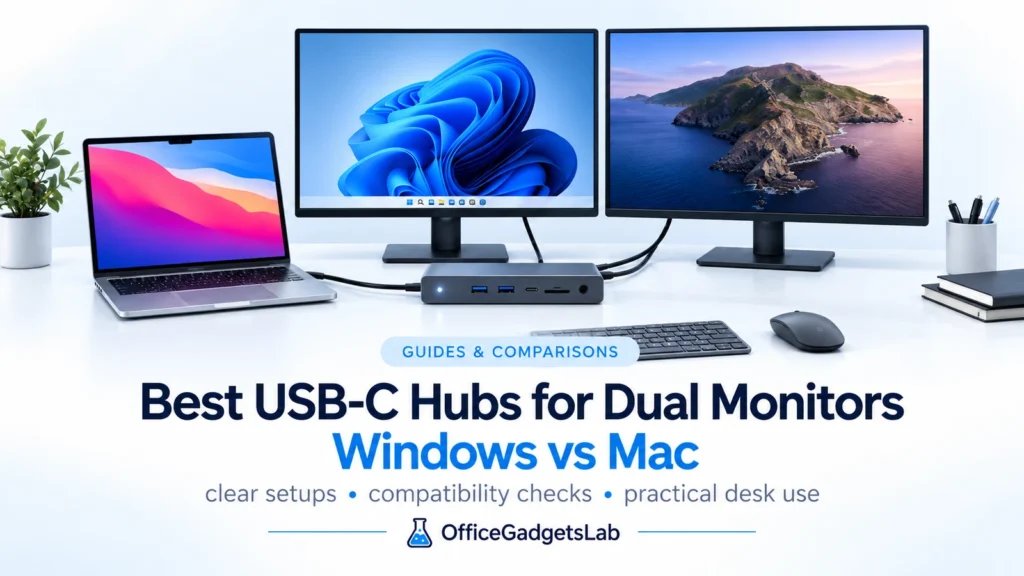
Introduction A dual-monitor setup can significantly improve productivity, but choosing the right USB-C hub is often more complicated than expected. […]
Read guide →We use manufacturer documentation, technical standards, platform behavior and recurring real-world issues to evaluate whether a product actually fits the setup discussed in the guide.